
Security guard
tracking software
with proof.Every guard on one live map, every patrol a GPS trail, QR checkpoints scanned inside the geofence with a photo and timestamp, and a property set up from one description.


 Loved by thousands of security teams4.7 ★5.0 ★
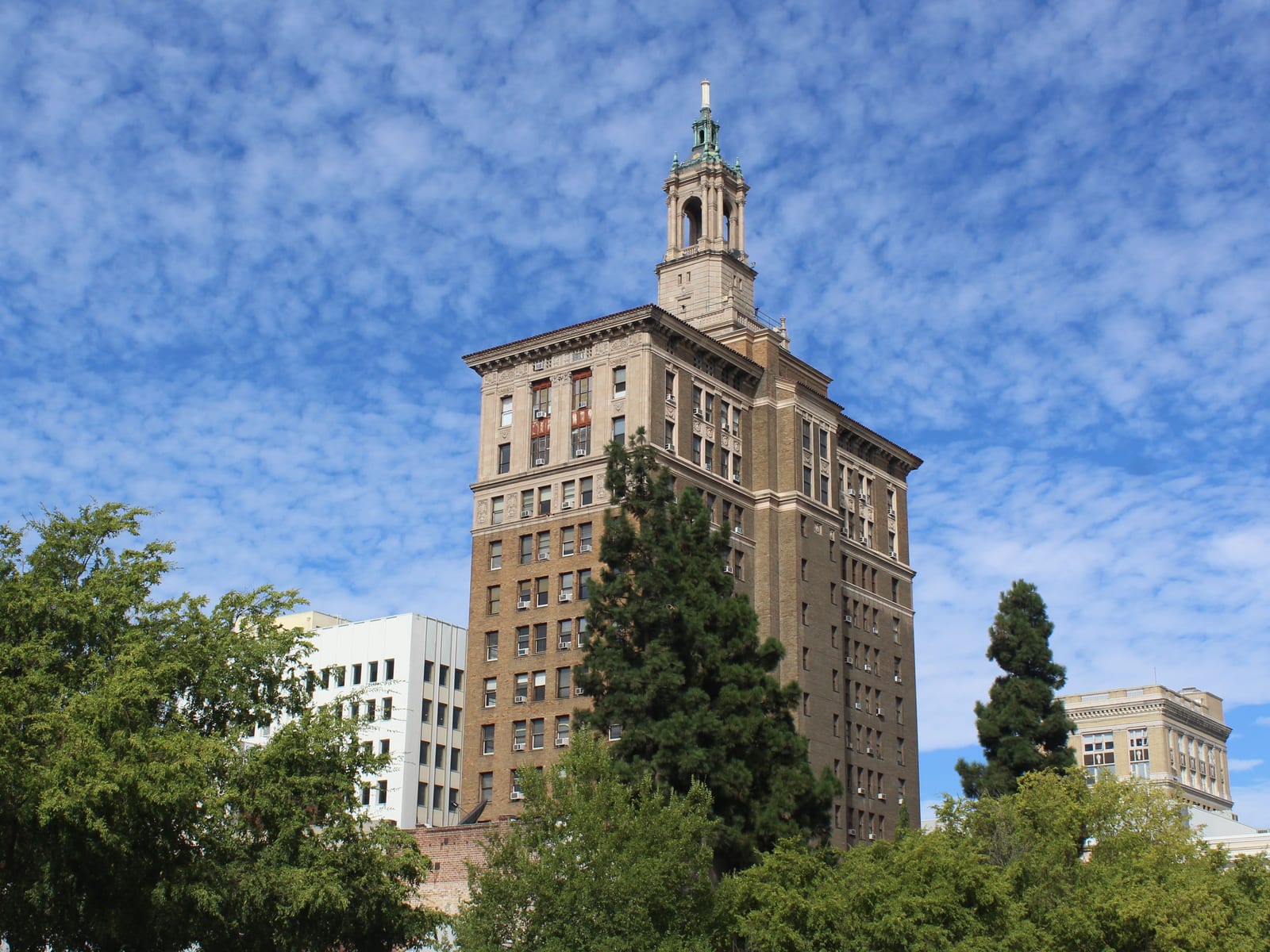 South Hall Lobby10:33 PM · GPS verified · inside fence
 Shift summaryMarcus Reid · Harbor Point Tower · 10 PM – 6 AMClocked out 6:01 AM

 Dana, Luis and 7 otherson post · 0 late
What is security guard tracking software?
Security guard tracking software shows where guards are and proves what they did. The guard’s phone supplies GPS location and the patrol trail, QR checkpoint scans, geofenced clock-ins, and a photo and timestamp on every scan. The office sees every guard on one live map; the client’s report is built from that record.
In Safetrac this is the Guard Reporting module: live map, trail, checkpoints, patrols, and a property set up from one description of the job. The record it keeps becomes the Daily Activity Report in DARs & Incident Reports.
- One promptDescribe the job; post orders, checkpoints and patrol, written, placed, routed.
- Live mapEvery guard on the clock; green working, amber on break; by branch.
- GPS trailThe patrol’s route drawn on the property map, checkpoint by checkpoint.
- CheckpointsQR scan, photo, geofence required; preview photo and instructions on the phone.
- PatrolsOrdered route and cadence; rounds on every shift; the phone says when.
Post orders, checkpoints and a patrol from one prompt.
Generate with AI writes the post orders, places the checkpoints and routes the patrol; Safetrac Assist+ adds checkpoints or patrols from a chat, staged for Approve.
Every guard on the clock, on one live map.
The Live page pins every guard on the clock; Guard Reporting is the same map over 24 hours, the record the Client Portal shows each client.
A GPS trail per round and a shift step counter.
Open any shift and the round is a timed line on the property map, with the checkpoints lit in the order they were hit.
one an hour
in order, inside the fence
the guard sees
or radio check-ins
- Per shift, per round. The trail is kept with the shift; the client's report carries it.
- The shift summary. Steps, rounds, checkpoints, reports, on the guard's phone at clock-out.
QR checkpoints, printed on one sheet.
Add Checkpoint on the property page: name it, place it, tick what it requires, draw the geofence; then Print QR codes for the sheet.
Add it, then print it: two screens, one loop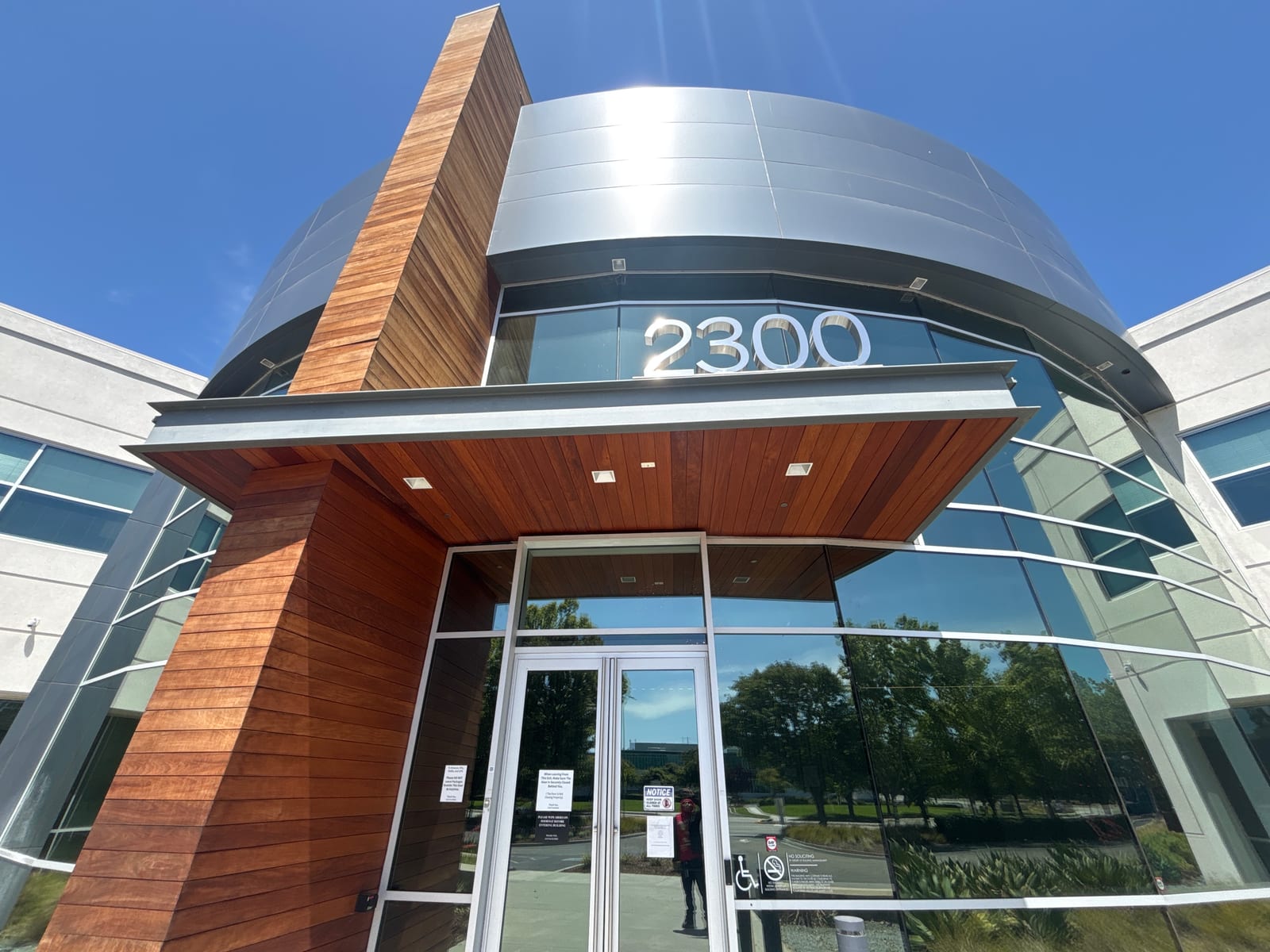
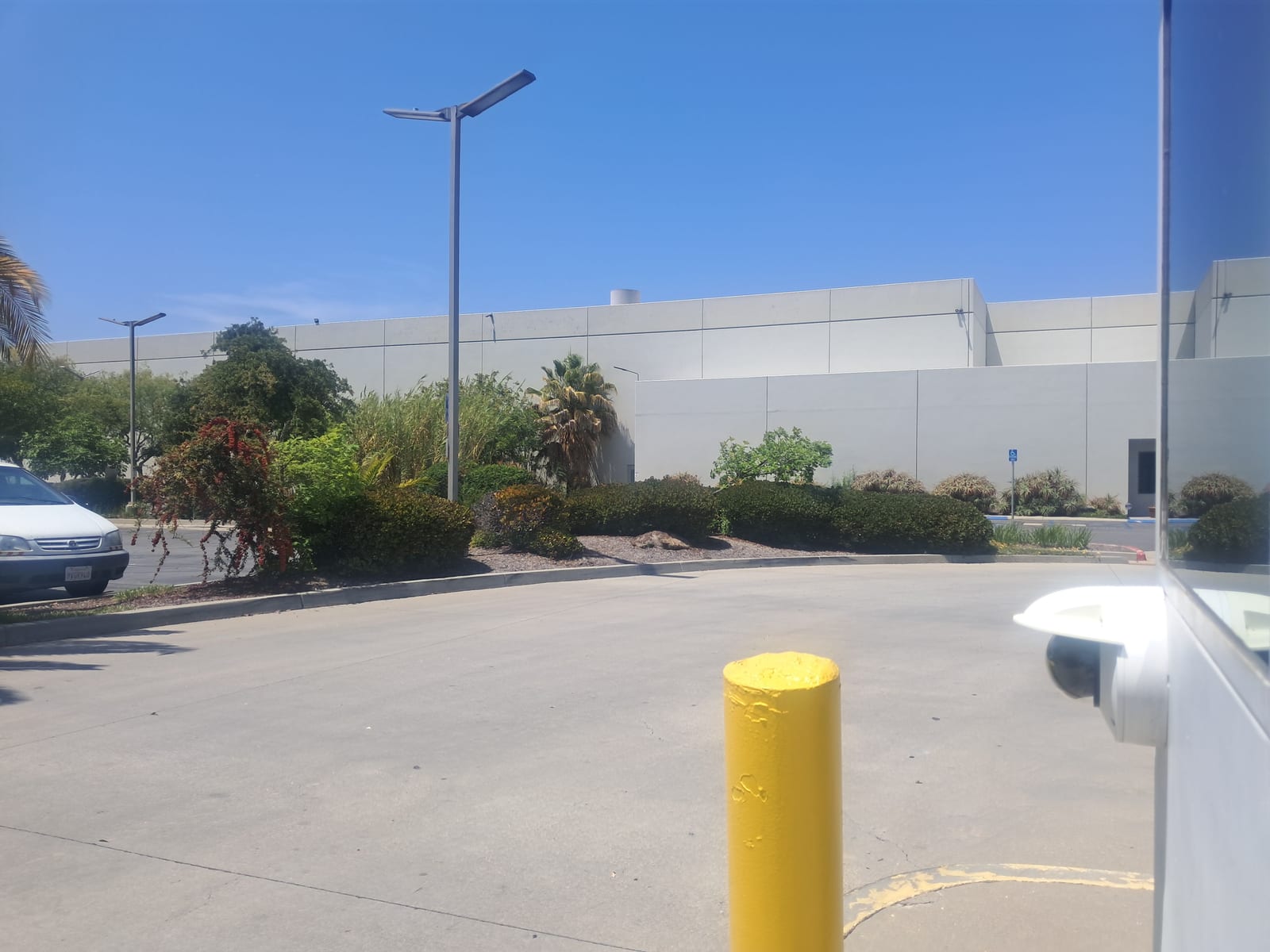
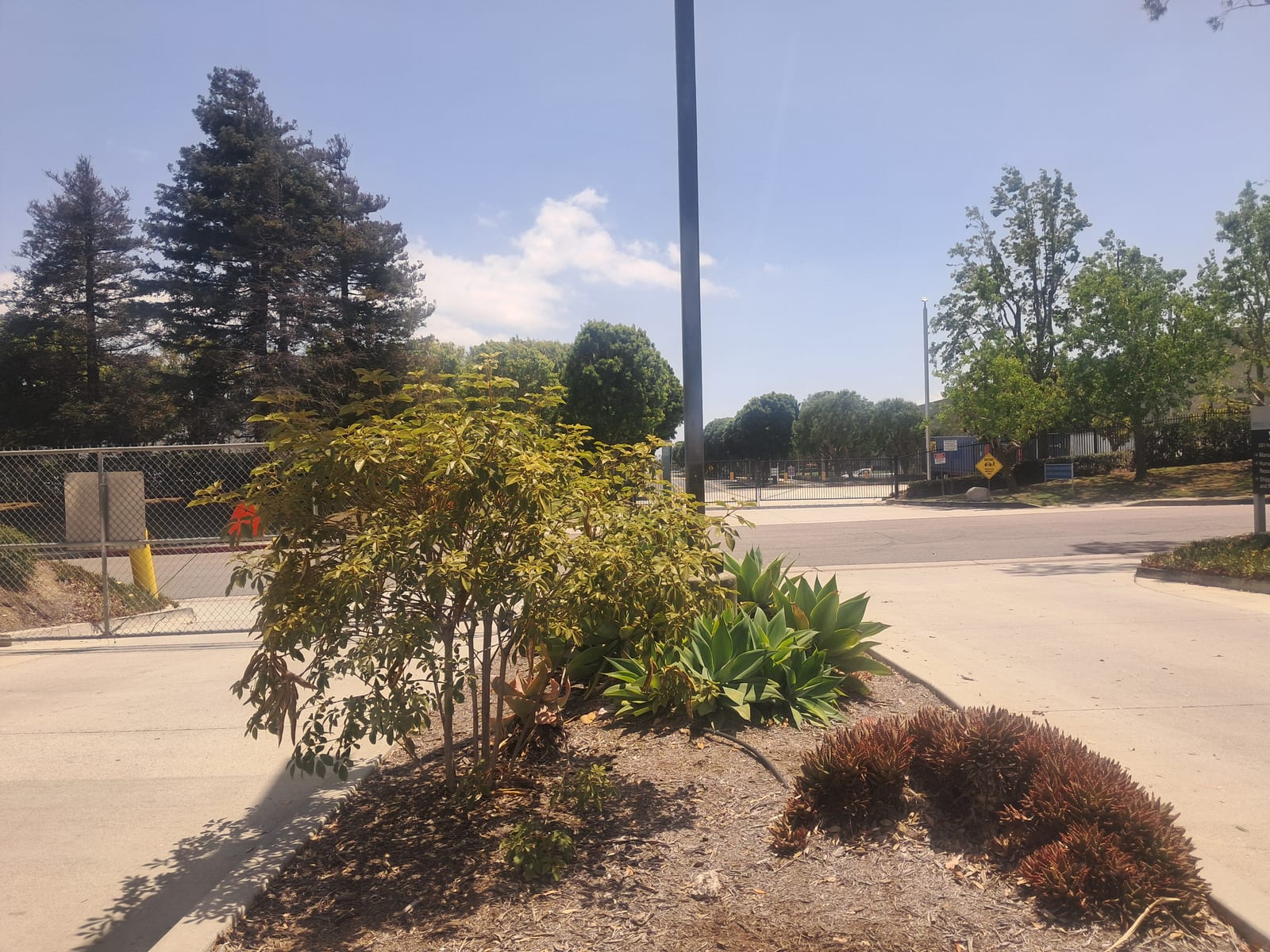
- 1Place itName, location, instructions, report notes; drop or drag the pin; a sample photo the guard sees.
- 2Require what you needA time-stamped photo (on by default), the QR scan, a geofence in meters; outside it, refused.
- 3Print the sheetOne Letter page, a card per QR checkpoint: code, name, location; a lost card is reprinted.
Photos, post orders and training on the guard’s phone.
The property page in the app carries photos, the post orders as section cards, checkpoints, patrols, the clock-in geofence and the property’s training from Academy.
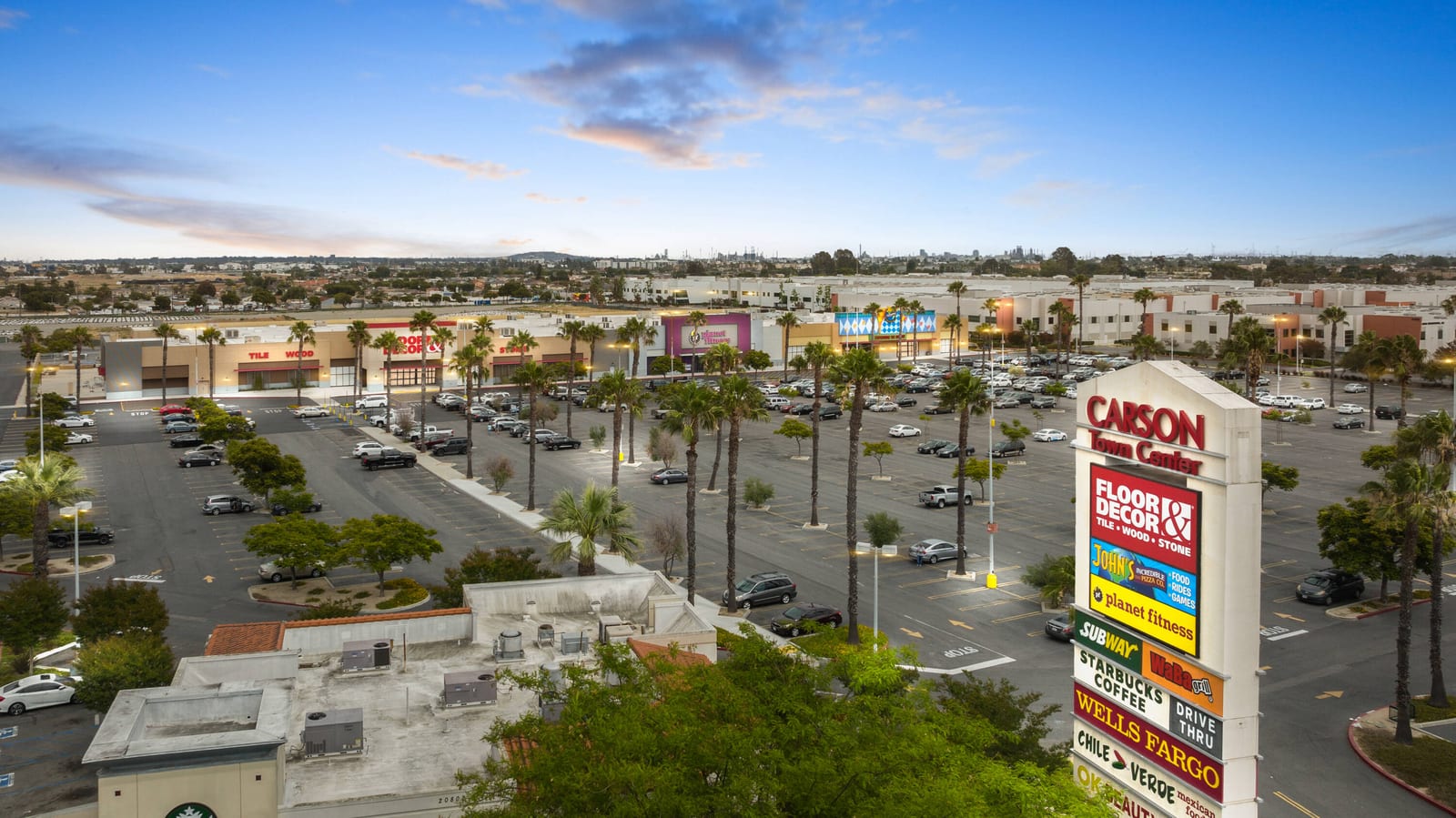
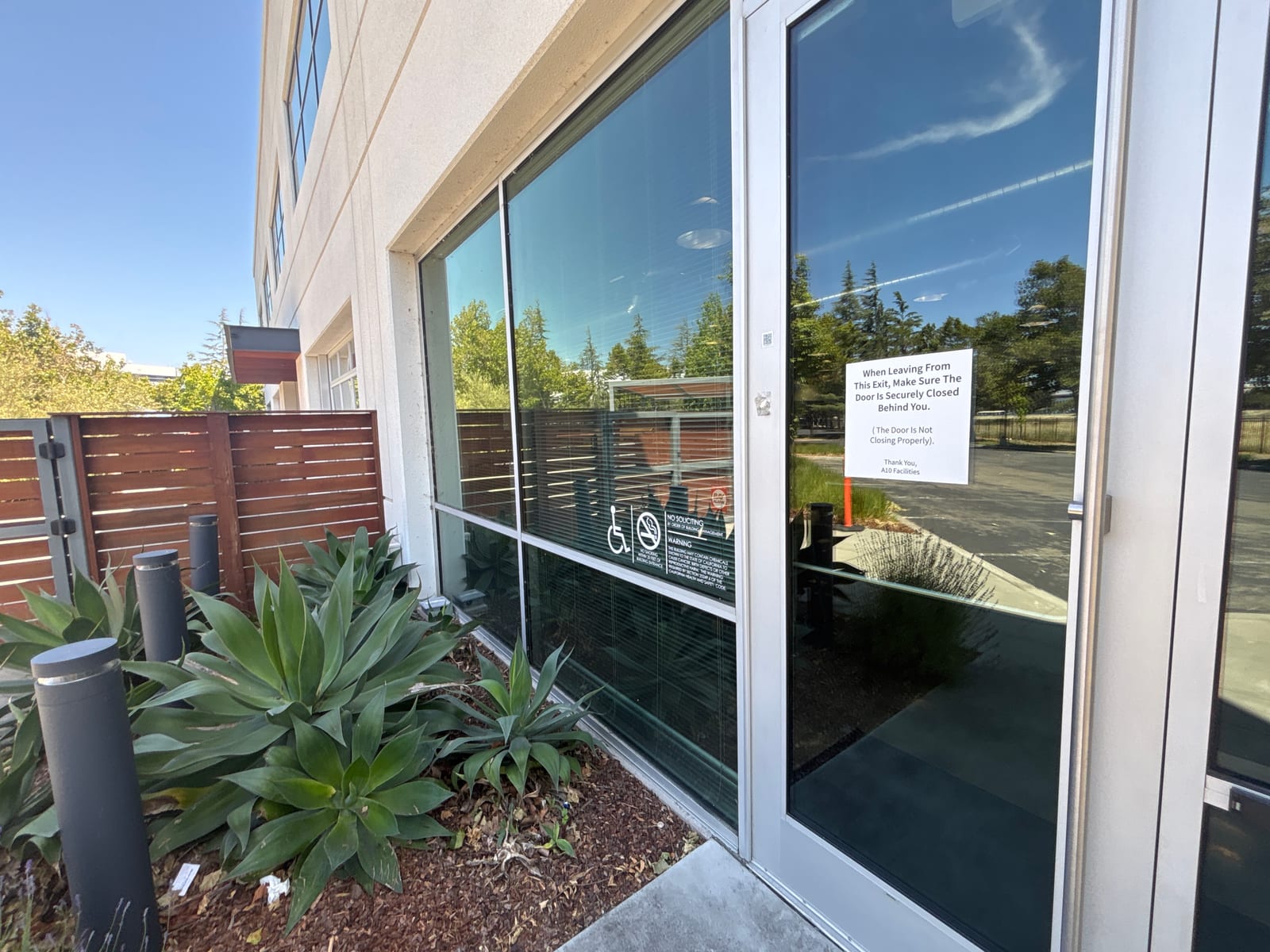
“Loading dock checked; bay 2 roll-up door down and locked, no vehicles or persons present.”
Uploaded pictures, or guards’ checkpoint photos, titled: the carousel atop the property page, with Get Directions.
Sample photo of the spot, requirement chips, your instructions and the line the client reads.
Text, image, video or quiz lessons per property; completion goes on the record with the score.
Patrol pushes, timestamped photos and geofenced QR scans.
A patrol is an ordered route of checkpoints with a cadence; marked Automatic, its rounds generate on every shift, or Autofill places them in Scheduling.
“Loading dock checked; bay 2 roll-up door down and locked, no vehicles or persons present.”
Aaliyah Lopez9:59 PM···Dominic Rahman9:59 PM···Isaac Bell9:53 PM···Marcus Reid4 min late··· Leila Watts9:59 PM···
Late and no-show, on the dashboard.
A started shift with no clock-in turns amber after your late grace and red as a no-show, the guard's number one click away.
- Late grace you set. Minutes before a missing clock-in is called late; a company setting.
- No-show after the window. An absence becomes a no-show at the time you set; on the shift and the timesheet.
- Clock-in inside the fence. A punch outside the property's geofence doesn't count as on post.
- Shift-over reminders. Told to clock out at shift end; leaving the geofence clocks you out, abandoned post filed.
Proof of presence in the client’s Daily Activity Report.
The Daily Activity Report in DARs & Incident Reports assembles from scans, photos, trail and notes at shift end and goes to the client’s inbox and the Client Portal.
 Pacific Shield SecurityDaily Activity Report
Every guard tracking feature, in Guard Reporting.
Wands and radio check-ins, before and after Safetrac.
Security guard management
software, explained.
What is security guard tracking software?
How does GPS guard tracking work on a phone?
Can Safetrac set up a property's post orders, checkpoints and patrol from one description?
What is a guard tour system and does Safetrac replace one?
What happens if a guard misses a patrol or shows up late?
What does a guard see about a property in the app?
Can clients see the GPS tracking and patrol data?
How much does security guard tracking software cost?
See it on your own patrols.
Compare Safetrac against any quote, or just start a free trial and run a real shift on it.
Guard Reporting is included, with every other module.
$199.95 a month for your first 10 users, then $13.95 per user, every module and the guard app included; 14-day free trial, no contract.